

Millions on firewall and encryption mean nothing if humans are the weakest link.
Kevin Mitnick (Security Consultant)
As valuable as technology has become in the world of business and for students, it also increases the risk for those in the business world and for students online to fall prey to scams and other types of risk. With so many messages of scams being passed via WhatsApp and so many South Africans claiming they have fallen prey to scams, it is safe to say that online scams are a reality in South Africa. The trick to staying safe online is to ensure that your personal information remains secure and protected at all times. The main aim of scammers is to gain access to important personal data and loopholes into your financial world, and that is why it is important to keep personal information, especially financial information, safe at all times. You should not be the weakest link when it comes to protecting your personal information. Here are some ways to avoid being the weakest link, and a guide to staying abreast of all common online scams in South Africa.


Common Online Scams in South Africa
In South Africa, millions of rands are lost every year due to digital banking fraud and well-known online schemes.
Some of the most common online scams in South Africa are:
WhatsApp Scams
WhatsApp scams tend to happen rather often, and victims who are unaware of these types of scams can easily fall prey to them. Fraudsters tend to pose as known WhatsApp contacts (from a cloned or hacked account). These fraudsters ask WhatsApp contacts to transfer money to them, or they trick certain contacts into sending SMS codes and OTPs to them. These scams work because you would rather blindly believe you are speaking to one of your known WhatsApp contacts than assume that the person who know had their WhatsApp hacked or cloned. Most of the time, scammers pretend to be a close friend or family member who is in financial trouble and requires immediate financial assistance. If a contact on WhatsApp doesn't usually require financial assistance, a sudden request for money should come across as being uncanny or strange. Always reach out to the person asking for assistance in any way other than via WhatsApp, so that you can clarify the situation.
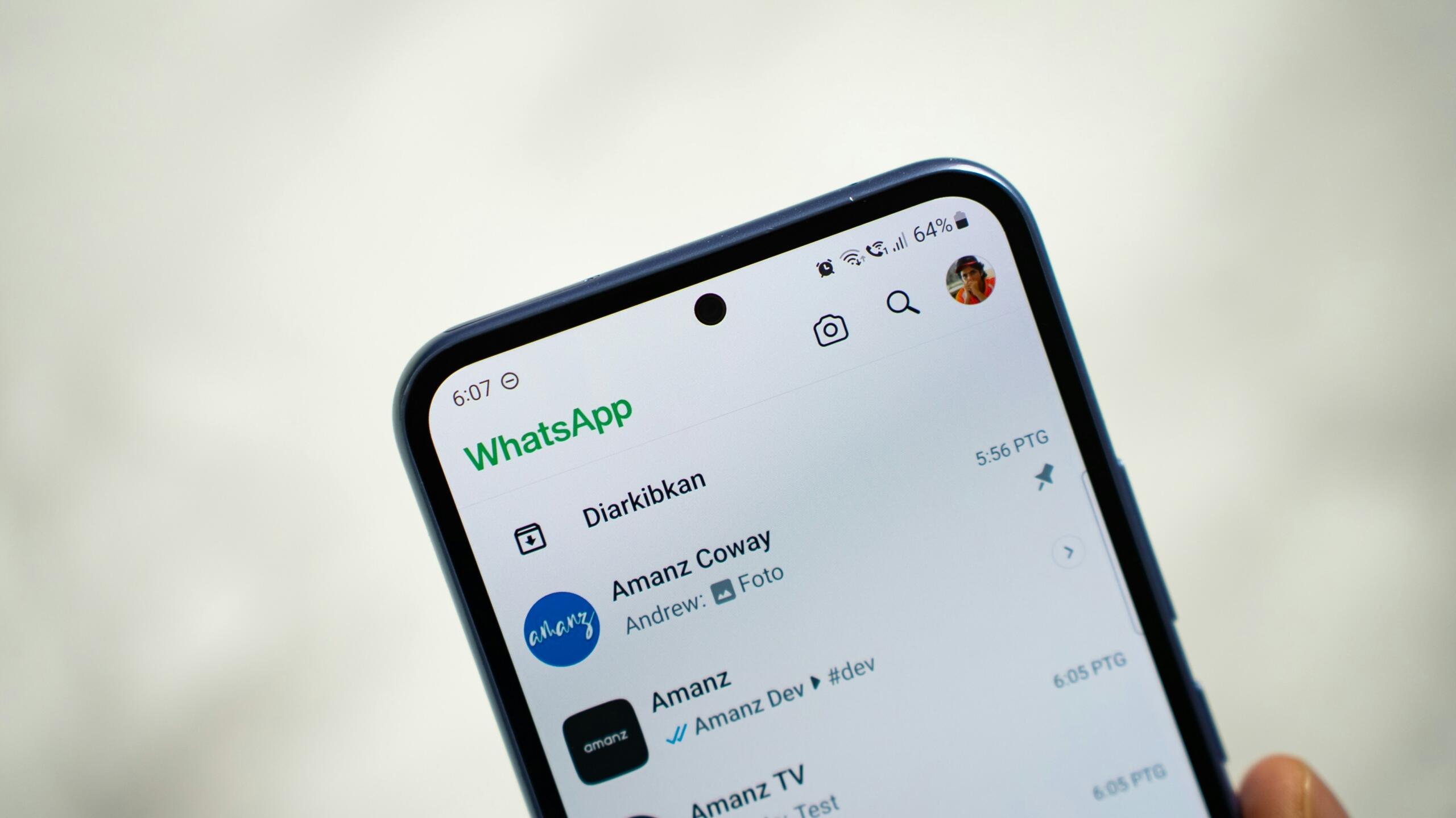
Beware of WhatsApp fraudsters trying to get you to send them money.
Bank Phishing Scams
Similar to WhatsApp scams, bank phishing scams tend to work particularly well because the victims believe that their trusted bank is sending them a message. Such fraudsters will send emails with links to a fake bank website, or sometimes they will trick the respective individuals into sharing personal information, as they force you to feel as if your bank account is under threat. Sharing OTPs and login credentials is never safe. The time of doubt and heightened emotions should be a warning sign that you should not disclose too much. The South African Banking Risk Information Centre (SABRIC) is a non-profit organisation responsible for strengthening your chances of staying protected from this type of financial crime, as bank phishing scams have become ever so popular in South Africa.
Fake Job Scams
Fake job scams tend to attract many people who are unemployed and thus desperate to find a job in South Africa. Job postings on digital sites that sound too good to be true and ask for cash upfront to secure the job, or require you to sign up and pay for the job posting site, should never be trusted. Job posting that requires you to pay a fee for background checks, pre-training courses, or work-from-home equipment are not to be trusted. In fact, no job should require you to pay up front before you secure a job.
Here's a look at the digital skills needed to get ahead at work.
SIM Swap Fruad
A rather serious type of scam that has recently been doing the rounds is the identity theft scam, where criminals trick mobile network providers into transferring a person's phone number to a new SIM. In this way, these fraudsters gain access to all the person's valuable information. For this trick to work, criminals need to have all the important details of the respective person so that the mobile network provider believes it is really that person.
Strong Passwords & Two Factor Authentication
Passwords are like underwear: don't let people see it, change it very often, and you shouldn't share it with strangers.
Chris Pirillo (Tech Blogger)
One of the most vital tips to staying safe online is to spend adequate time and effort when creating your password for important sites like your online banking app. Create passwords that are difficult for others to figure out. While it is easier to go with passwords you will remember like your birth date, or your pet's name, it is never the ideal option. Oftentimes, stronger passwords are seen as those with a unique combination of letters, numbers, and special characters.
The 8-4 rule should be used when creating a rather complex password.
Use 8 characters as the minimum length with 1 uppercase letter + 1 lowercase letter + 1 number + 1 special character, followed by the same combination.
The longer the password you set and the more random it is, the harder it is for your password to get hacked or exposed. Another rule of thumb is to change your password rather often. It is never ideal to keep the same password for years on end or use the same password for different sites.
Set your passwords wisely.
Recently, people have started relying on password managers to serve as a digital safe to keep all their rather complicated passwords safe. With sophisticated password managers, passwords can be created for you, and password managers are programmed to remember the passwords for you. The password manager tends to be like your own digital vault.
Another suggestion is to use the two-factor authentication (2FA) by Microsoft, which improves sign-in security by ensuring two forms of identification verification. Once you confirm your identity in two ways, you can access your account. Many companies require this two-factor authentication before you log in to gain important company data. Read about some of the other important computer skills everyone should have.
Safe Online Banking
With online banking apps easily available on your phone, it is important to stay safe when banking online as well. There are a few simple tips that you can utilise to stay safe despite having all your banking details readily available on your phone. You can use these tricks to protect your personal data despite receiving important OTPs on your device.
- Firstly, identify what the safe banking website is. Know your bank's official website and check all banking website links before clicking on them. Websites that are spelt wrong or those that seem to be longer or shorter than the usual web address should be treated with suspicion and caution.
- Try to stay away from signing into free public Wi-Fi in malls or at gyms to avoid public Wi-Fi risks.
- Make sure to protect your OTPs as best as possible and never share your banking OTP with anyone, even if a banker claims to require your OTP over a phone call.
Protect yourself from hackers and scammers.
Protecting Children & Teens Online
of the sample group were said to be cyber victims
Since digital resources are being introduced from a very tender age to children and teens, it is important that children and teens stay safe online and that they are taught digital safety rules at school.
Children should be guided on social media safety. There is a reason why younger children are not allowed to use social media apps like Instagram or TikTok, and thus, they should be prevented from downloading such apps until they are of age. Teenagers (who are of age) and have social media accounts should be monitored by their parents and guardians, especially when using these apps. They should also be taught what is safe to share online and what is not. Personal information like their addresses and other details should never be shared over social media platforms.
Teenagers are likely to fall prey to cyberbullying. There should be constant workshops to guide teenagers on how to navigate the social media world safely and how to avoid falling prey to online bullies. Counsellors and life coaches may need to be roped in to assist teenagers who have already been victims of social bullying.
Schools should provide children with details about the POPIA Act (Protection of Personal Information Act). According to this act, anyone under 18 has the right to have their personal data protected at all costs. Even schools cannot misuse the personal information of students. Children and teenagers need to know about such rules.
Digital Responsibility & Ethics
We understand how important it is for you to stay safe online. We also understand how valuable digital tools have become in the workplace. While staying safe online should be a priority, you also have to follow some rules to ensure that you don't go against what is considered ethical online.
Avoid doing something wrong online at all costs.
Copyright Rules
In the same way that you wouldn't want your private information shared without prior approval or consent, you need to ensure that you don't share the information of anyone else without their permission. If you share any information that someone else created, you need to make sure to credit the creator. You need to give credit where credit is due.
Plagiarism Rules
Since the internet makes copying so easy, it is hard to avoid plagiarising without even knowing you do so. In this way, never share something someone else has created without their permission. If you have permission to share something that you did not create, make sure to give credit to the creator. This will ensure that you avoid online plagiarism or being sued for plagiarism.
Responsible Social Media Use
Being responsible when using social media entails thinking before posting, as anything you post could affect your reputation and future job prospects. Try to avoid sharing too much or too many personal details. Always check and verify information before posting. As a responsible social media user, it is important to report any cases of cyberbullying.
With all these tricks, you can become a more responsible social media user, and you will be able to stay safe online. If you want to build your digital confidence while learning how to apply good online habits in everyday life, consider computer training courses. It is important to take online safety seriously and to keep yourself safe when navigating the online sphere, while adhering to all digital rules at the same time.
References
- Paruk, M.E., & Nassen, R. South African Journal of Psychiatry https://sajp.org.za/index.php/sajp/article/view/1755/2575#CIT0001_1755
Summarise with AI:
Enjoyed this article? Leave a rating!

 Loading...