

Computing is not about computers anymore. It is about living.
Nicholas Negroponte
To make a living successfully in today's time, you need to have computer skills. In fact, understanding digital tools has become important in a world that is catering to work-from-home and remote working options. Having basic computer skills is essential in today's times. If you are keen about improving your computer skills, you are paving the way to a better future for yourself.
Computer software skills are of utmost importance when you wish to secure a job in South Africa. Building a lucrative career starts when you can show off your computer skills on your CV. People who have computer literacy skills tend to go far in their careers, as they also know the right digital tools that South African employers expect them to master, and they can use these digital tools to their advantage. If you browse through the job descriptions of most jobs posted, you will see that having skills in Microsoft Word is the minimum requirement.


Microsoft Word Skills
active Microsoft users in South Africa
With elderly students joining basic computer courses in South Africa, you have to understand that no one is exempt in the workplace when it comes to having some digital skills. If you’re looking for structured learning options, computer training courses can help you build confidence with the tools employers expect you to use.
When it comes to Microsoft Word, there are a few essential skills that ny entering the job market should possess. While learning the entire Microsoft Office Suite would be ideal, knowing at least Microsoft Word can help to set you apart from other job seekers. When it comes to Microsoft Word, it can be an important tool in assisting you with the job application process.
Some Microsoft Word skills that you need to have when applying for a job include:
Using Microsoft Word is essential when applying for a job in today's times.
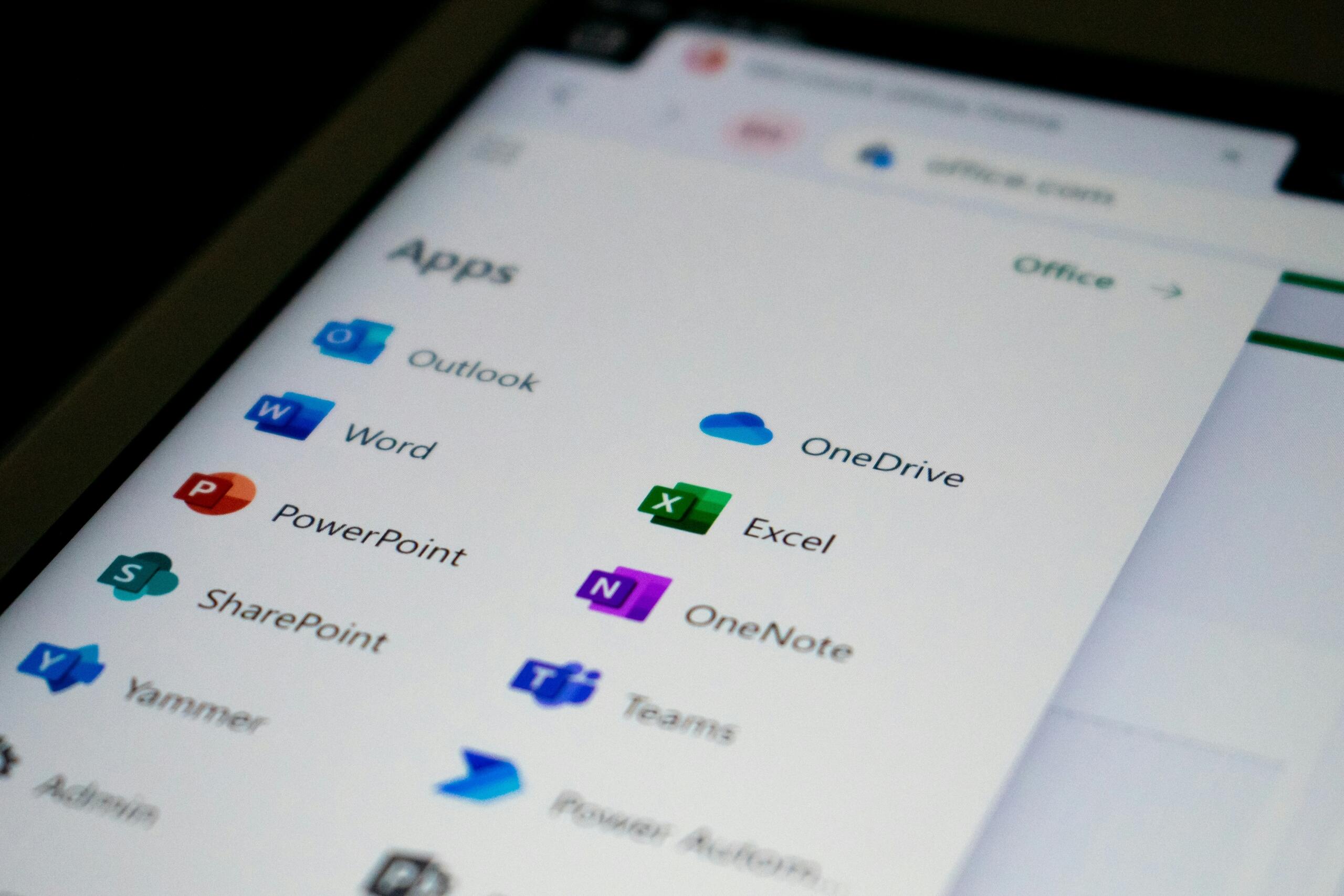
While knowing how to insert tables, insert headers and footers, and save in correct formats matters when you are applying for jobs, it also matters when you are expected to work on Government forms and if you are working on academic submissions for university. Having these software skills can help considerably at university and far beyond.
With the focus shifting in recent years to online job applications, it has become mandatory for job seekers to apply for jobs using CVs and cover letters that have been created on Microsoft Word. Whether you are applying for a job via LinkedIn or via Indeed, you will need to send your CV in the form of a Word document or a PDF document.
To move beyond the basic computer skills list, you will need to have knowledge of other Microsoft software, such as Microsoft Excel and PowerPoint. Yes, the word processing software really helps, but advancing from having basic computer skills to having novice computer skills requires an understanding of Microsoft Excel.
Read our other article if you're curious about the most common computer and software skills jobs require.
Microsoft Excel Basics
of South African businesses use Excel for data storage, tracking financial data, and for primary business reasons.
When it comes to operating systems, the best management system and one that is also often used for data analysis is the Microsoft Excel software. Understanding how to use Microsoft Excel to perform formulas and functions can be rather rewarding, as it means putting the sophisticated spreadsheet tool to good use for computing purposes.
There are a few other things that you can use with Excel for:
- Creating budgets: When you use Excel, you can create personal and professional budgets that you can use for financial planning and to keep track of finances.
- Small business stock tracking: You can even use Excel to keep track of the stock in your business and to update stock and cost of sales.
- Calculation using simple formulas: When using Microsoft Excel, you can use simple formulas, including how to use functions like Sum and Average, to perform calculations for you.
- The creation of basic spreadsheets: With basic worksheets and workbooks, you can record important information like stock details, employee details, etc.
While Excel can be used on a personal basis, it is highly recommended to rely on Excel to simplify certain tasks in the workplace. Having this level of advanced computer skills is great, should you wish to get your foot in the door when it comes to working in retail stores, SMEs, NGOs, or in a variety of other admin roles. A scroll through the vast array of jobs on social media sites will show you just how many jobs require you to have basic or more advanced Excel knowledge.
With Excel, you can showcase data in visual ways to understand data more easily.

Many South African nurses have understood the importance of having strong computer skills and understanding how to use Excel as a database, as it helps them stay abreast of patient records and diagnoses. With the strong focus on computer literacy in the hospital setting, nursing is one profession where the staff are realising that they require basic computer skills to thrive in their work environment.
PowerPoint and Presentations
PowerPoint is the scourge of critical thinking. It encourages fragmented logic by the briefer and passivity in the listener.
Jim Mattis
Nurses rely on Microsoft Excel, but they can count on Microsoft PowerPoint too when the head nurse is teaching other nurses about something. Gone are the days of the chalkboard demonstrations- for nurses and for teachers.
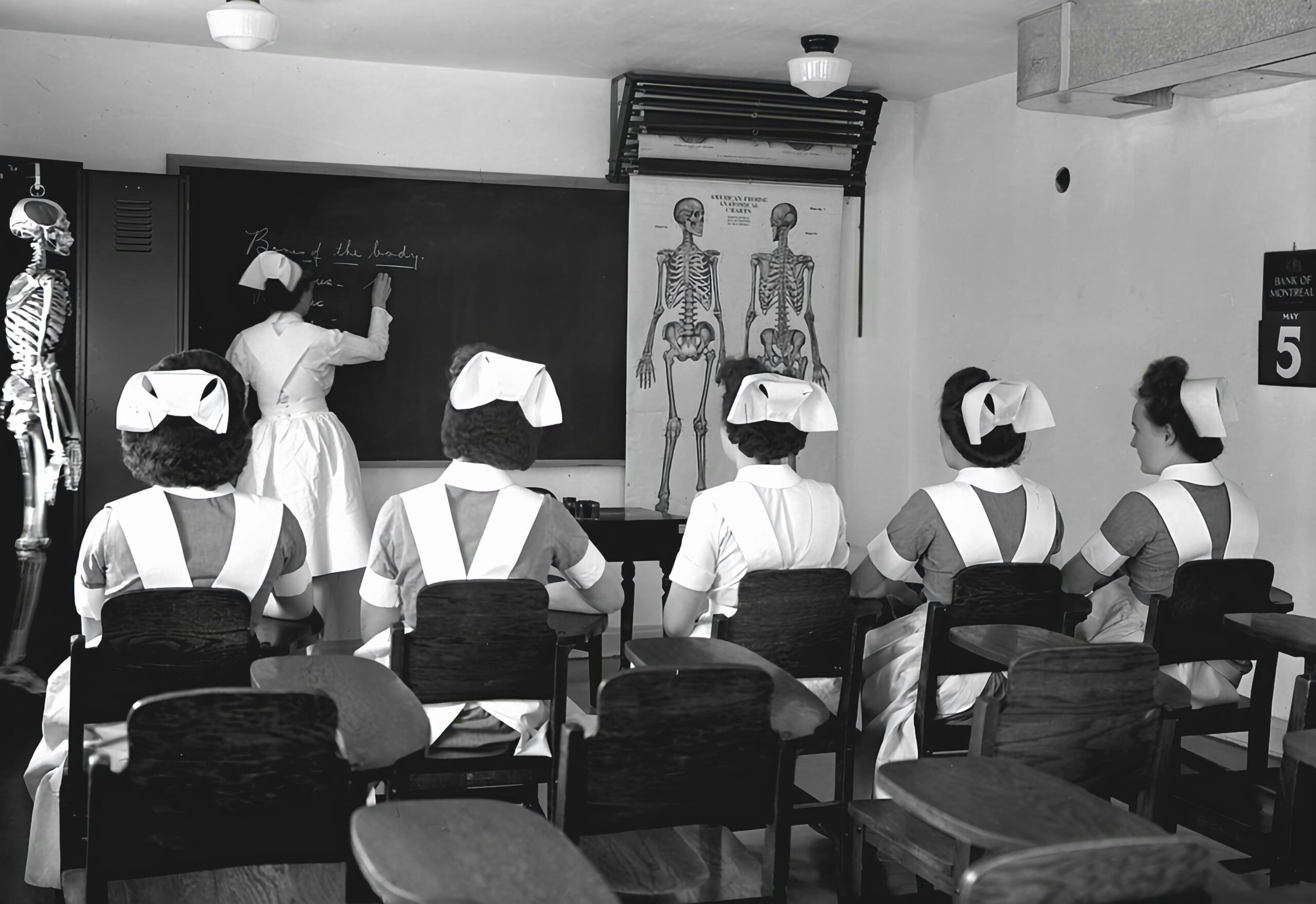
While much that can be quoted about Microsoft PowerPoint is predominantly negative, there is nothing more satisfying than a well-created presentation used to present information to auditory and visual learners. All the negative associations when it comes to PowerPoint will be changed once you start using the software and understanding what is possible with PowerPoint. With the wide range of transitions and animations available on PowerPoint, you can turn an ordinary presentation into something extraordinary within seconds if you have the skills to do so.
When you learn how to use computers or when you join a basic computer course in South Africa, you learn how to use the entire Microsoft Office suite, including Microsoft PowerPoint. While most people believe that they will hardly ever use this presentation software, they could not be more wrong. At a university level, presentations become a key component of what is expected of you for certain assignments. University students who obtain a bursary from a core bursary provider are also expected to complete presentations to share their PDPs (Personal Development Plans) with their mentors and bursary providers.
Having essential skills when it comes to creating PowerPoint presentations is essential for teachers, lecturers, motivational speakers, life coaches, and psychologists.
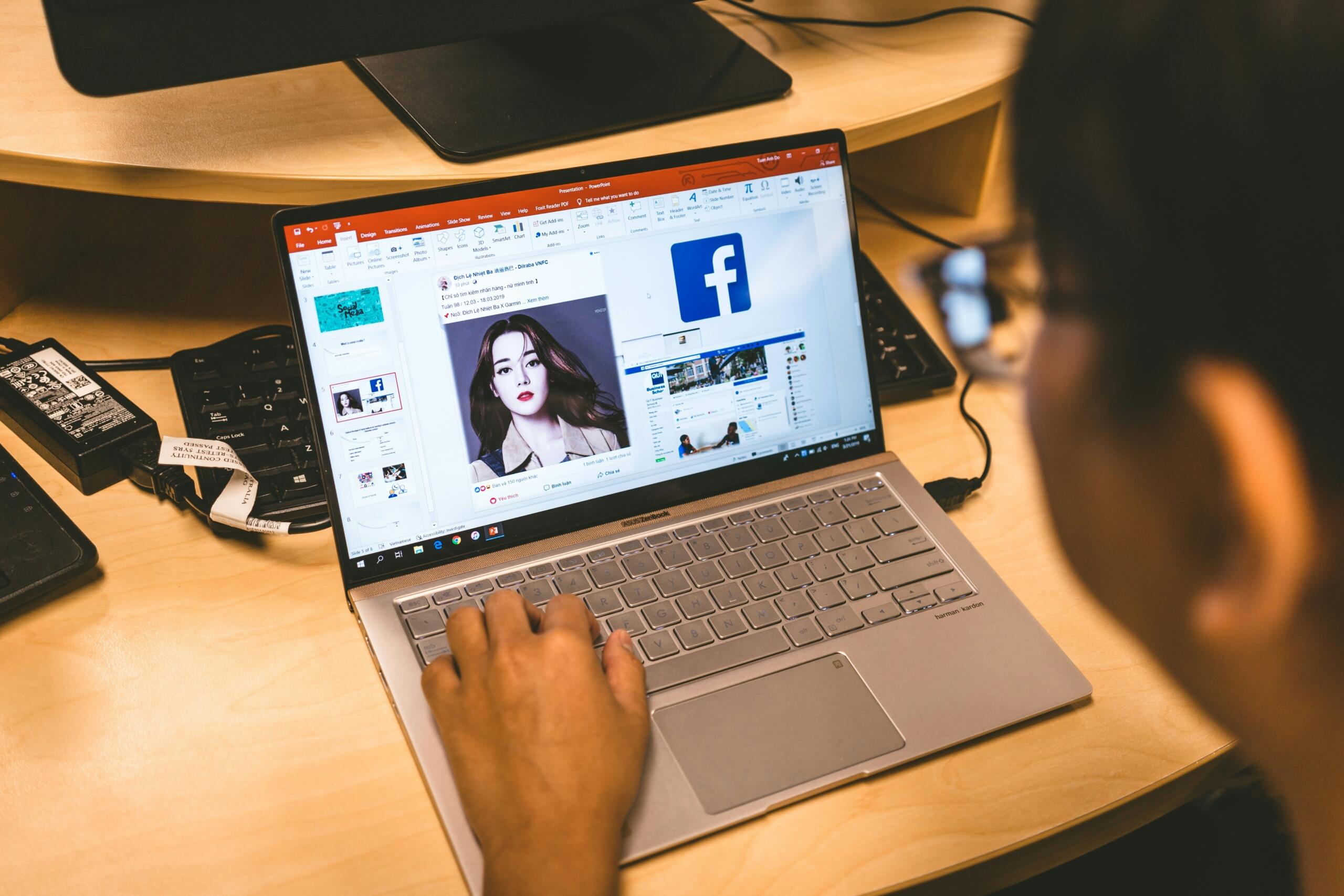
Improving your computer skills from a tender age, especially when it comes to Microsoft PowerPoint, is a great idea since this presentation software gets used:
Alternative Productivity Tools Used in South Africa
Digital tools are designed to simplify work, improve communication, and enhance productivity.
When it comes to productivity tools or digital tools, the Microsoft Office tools are rather well-known; however, South African computer users tend to use other productivity tools to get certain tasks done well.
Google Docs and Google Sheets
Since Google for Teachers has become rather popular, whereby teachers are encouraged to become champions for Google, Google Docs and Sheets have become widely used in classrooms across South Africa. Teachers rely on Google Classroom to deliver lessons that are modern and cater to the 21st-century learners that they have in their classrooms. For most schools, the Google Workspace for Education is a cloud-based, cost-effective solution to simplify classroom management while ensuring real-time collaboration. Another reason why the Google Workspace for Education is preferred is that it allows for real-time collaboration, whereby students and teachers work on the same assignment at the same time while tracking any edits. With the Google Workspace for Education, administrative controls are built in so as to protect student data, which means safer online learning.
Teachers have started relying on tools like Google Docs and Sheets, as they understand how vital it is to equip students with 21st-century skills whilst using the same productivity tools they will use in the further education and training phase and beyond in the workplace.
LibreOffice
Unlike Microsoft, many people rely on LibreOffice, an open-source office suite accepted by governments around the world for document creation and publishing. The Document Foundation (TDF) developed LibreOffice, and it has become seen as the best alternative to Microsoft Word, particularly since it is compatible with a variety of document formats, including those of Microsoft Word.
One of the reasons that LibreOffice is preferred is that it is highly customisable. A wide range of extensions is supported by this software.
WPS Office
Yet another free alternative to Microsoft Office is the WPS Office. It combines document writing and spreadsheet presentations. Microsoft users can adapt to WPS Office rather easily, specifically because it features a tabbed ribbon system similar to that of Microsoft Word, Excel, and PowerPoint. It also contains built-in PDF tools to read, edit, convert, sign, and merge PDF documents. There is one downside to using WPS Office, and that is it is not as fast on newer and high-end computers. It tends to be best suited for low-end and older computers.
If you are looking to improve your computer skills to better job prospects, you need to consider the essential tips for staying safe online.
Many jobs rely on employees constantly improving their computer software skills.

Increasing Work Productivity with Certification Options
The Microsoft Office Specialist (MOS) is a certificate that you should pursue if you want to show off your skills as someone proficient at using the Microsoft Office suite. This certification is endorsed by Microsoft and is so beneficial that it usesin-app testing so you can show that you've acquired hands-on skills.
Another certificate is the ICDL (International Certification of Digital Literacy, formerly ECDL) Advanced Modules, which proves you have the proficiency to use core office applications. For this certification, 30 hours of learning are required per module, and the testing involves assessing each competency that expands beyond daily office features.
To acquire either the ICDL Advanced Modules certification or to get the MOS certification, you can reach out to a proficient and qualified computer tutor for that added assistance and guidance. Showcasing these skills and these certifications will surely boost your resume, and you will become all the more noticeable. Stand out from the crowd by showing off your computer software skills. Become the most valuable asset in the job market.
References
- AutoRek: https://www.prnewswire.com/news-releases/90-of-firms-still-rely-on-spreadsheets-despite-bottlenecks-302374188.html
Summarise with AI:
Enjoyed this article? Leave a rating!

 Loading...